cotalks.dev
Orgs
Login
Google Accessibility
Channel:
Google
Videos (99)
1 — Debugging accessibility with Chrome DevTools
2 — Gaming with muscular dystrophy | Project GameFace featuring Lance Carr | Google
3 — Getting started with accessibility and product inclusion
4 — What's new in Accessibility for developers
5 — Learning Sign Language with PopSign | Google
6 — What’s New in Google Accessibility | Episode 11 | American Sign Language
7 — What’s New in Google Accessibility | Episode 9 | American Sign Language
8 — What’s new in Google accessibility | Episode 4 | American Sign Language
9 — What’s new in Google accessibility | Episode 2 | American Sign Language
10 — What’s new in Google accessibility | Episode 1
11 — What’s New in Google Accessibility | Episode 11
12 — What’s New in Google Accessibility | Episode 10
13 — What’s New in Google Accessibility | Episode 6
14 — What’s new in Google accessibility | Episode 4
15 — What’s New in Google Accessibility | Episode 6 | American Sign Language
16 — What’s New in Google Accessibility | Episode 8 | American Sign Language
17 — What’s New in Google Accessibility | Episode 10 | American Sign Language
18 — What’s new in Google accessibility | Episode 3 | American Sign Language
19 — What’s new in Google accessibility | Episode 3
20 — What’s new in Google accessibility | Episode 2
21 — What’s new in Google accessibility | Episode 1 | American Sign Language
22 — What’s New in Google Accessibility | Episode 9
23 — What’s New in Google Accessibility | Episode 8
24 — Get to know the newly updated Magnifier app on Pixel
25 — How to use TalkBack screen reader
26 — How to navigate your phone using facial gestures
27 — How to use Accessibility Scanner
28 — How to personalize your Android for blindness or low vision
29 — Guided Frame on Google Pixel With Lachi
30 — Magnifier on Google Pixel
31 — Labeling images for Accessibility
32 — Color contrast - Accessibility on Android
33 — Introduction to Accessibility on Android
34 — Happy Disability Pride Month (Audio Described)
35 — Project Relate Tutorial | Google
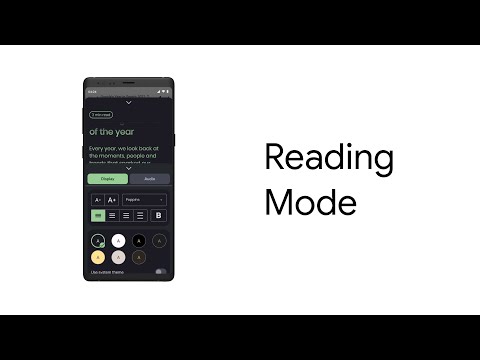
36 — How to use Reading Mode
37 — A Day with Google Lookout and Lachi Music
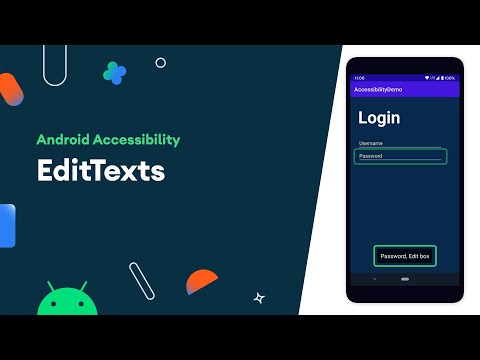
38 — EditTexts - Accessibility on Android
39 — Touch targets - Accessibility on Android
40 — Conveying state for Accessibility - Accessibility on Android
41 — Accessibility services and the Android Accessibility model
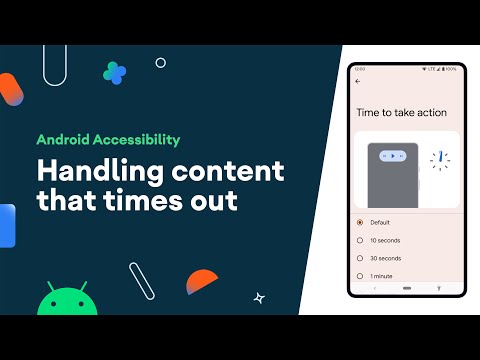
42 — Handling content that times out - Accessibility on Android
43 — Accessibility test framework and Espresso - Accessibility on Android
44 — Switch Access for developers - Accessibility on Android
45 — Moving the World | Accessibility at Work
46 — Cultivating Curiosity | Accessibility at Work
47 — Helping Humanity | Accessibility at Work
48 — Accessibility at Work
49 — Introduction to Sound Amplifier
50 — Designing her Future | Accessibility at Work
51 — What can make or break someone’s user experience?
52 — Accessible writing tip | Clear and concise text
53 — Accessible writing tip | Informative, semantic titles and headings
54 — Accessible writing tip | Write clear instructions
55 — Accessible writing tip | Reduce visual cues
56 — Accessible writing tip | Use inclusive language
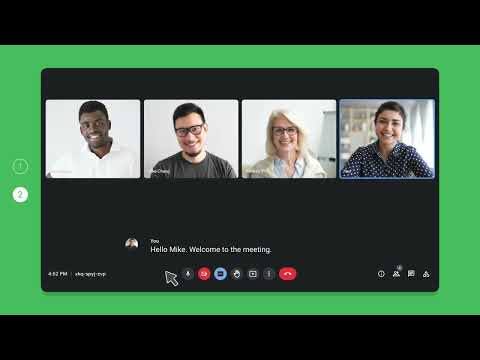
57 — How to: Enable captions in Google Meet
58 — Reading mode: A more accessible screen reading experience on Android
59 — Get started with Lookout from Google | Android
60 — Google Play Store: Live Transcribe
61 — Accessibility scanner - Accessibility on Android
62 — TalkBack - Accessibility on Android
63 — Android presents: Paul + Voice Access
64 — Introducing: Google UK’s Accessibility Discovery Centre
65 — Welcome to Google UK's Accessibility Discovery Centre
66 — Highlights
67 — Magnification
68 — Voice Typing
69 — High-Contrast mode in Gmail and Chromebook
70 — Producing Accessible Content
71 — Keyboard shortcuts in Google Workspace for Education and Chromebook
72 — Build more accessible apps in Angular
73 — Closed captions in Google Slides
74 — What's new in Android accessibility
75 — Morse code is my voice | Tania’s AI powered story
76 — Bringing Sound Amplifier to life across billions of Android users
77 — Android Accessibility: Introducing Action Blocks
78 — Google Meet Accessibility
79 — Braille Display
80 — Screen Reader
81 — Collaboration in Google Docs
82 — Select-to-Speak in Google Chromebook
83 — Best practices for migrating to variable fonts
84 — Design accessibility for individuals with Material Design
85 — Introducing Google's accessible design framework
86 — Accessibility on TV - Integrate with Android TV & Google TV
87 — Accessibility testing - Accessibility on Android
88 — Overview of Accessibility in Android
89 — Why Accessibility and Inclusion Lead to Better Products | Google UX Design Certificate
90 — All In: Building accessible and disability inclusive creative | Google
91 — A blind South Korean teacher turns to Google for Education's accessibility features
92 — Breaking down language barriers with augmented reality | Google
93 — Communication Does Not Have to be a Barrier | Google
94 — Google – A Look Can Say A Lot
95 — Android Accessibility: Live Transcribe
96 — First Call With My Son - Matthew’s True Pixel Story
97 — Google – Building belonging to expand what's possible
98 — Forward Rhythm | Two Drummers with Fred Armisen and Jason Barnes
99 — Breaking Boundaries with Live Transcribe: Expanding Usecases Beyond Std Captioning - ASSETS 2020